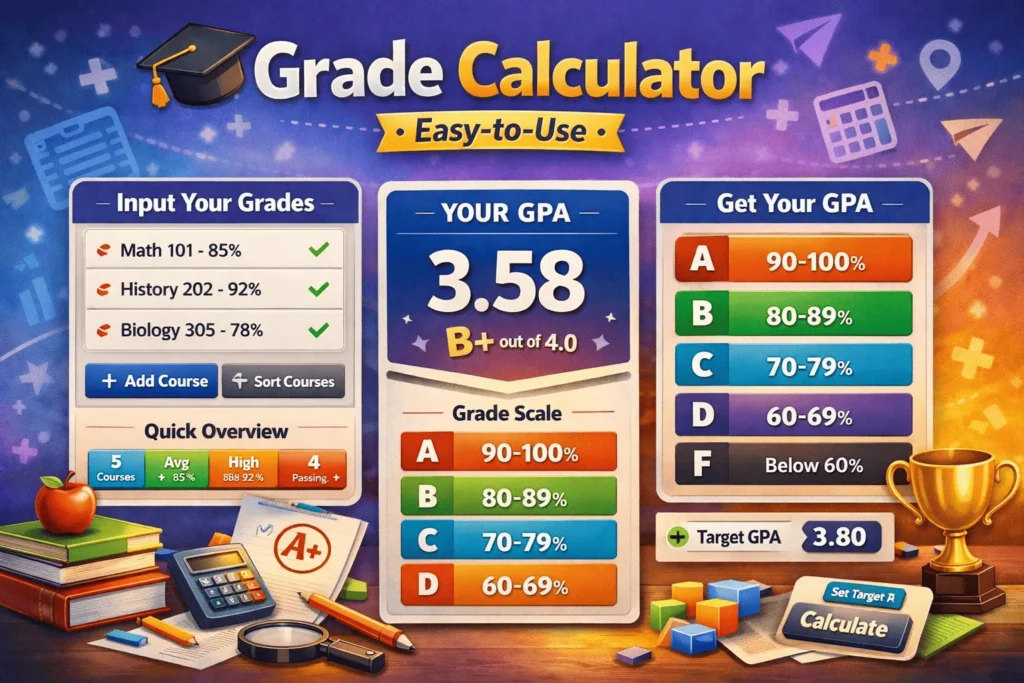
Grade Calculator
Easy-to-UseYour Courses
Fill gradesGrade Calculator – Simple Way to Understand Your Academic Results (2026 Guide)
Why Grades Feel Confusing for Most Students
If you are a student, you probably know this feeling. You finish your exams, assignments, and quizzes—but when it comes to calculating your final grade, things suddenly get confusing.
Different subjects have different weightages. Some marks matter more than others. And sometimes, even a small mistake in calculation can change your overall result.
That’s why many students today rely on a Grade Calculator. It removes the stress of manual math and gives instant clarity about performance.
Instead of guessing your final score, you can simply enter your marks and understand exactly where you stand.
What Is a Grade Calculator?
A Grade Calculator is a simple online tool that helps you calculate your academic performance based on marks, percentages, or GPA systems.
You don’t need formulas or manual calculations. Just input your data, and the tool instantly shows your final result.
For example:
Add exam marks
Include assignments
Apply weightage
Get final grade instantly
A modern online grade calculator makes this process fast and stress-free.
Why Students Prefer Online Tools
Manual grading can be frustrating, especially when multiple subjects are involved.
Students often make mistakes when calculating percentages or combining scores.
That’s why a free grade calculator has become so popular. It helps students:
avoid calculation errors
save time
understand their performance better
reduce exam stress
A Grade Calculator is especially useful during exam season when everything feels overwhelming.
How Grade Calculation Actually Works
Even though tools make it simple, the logic behind grading is based on basic formulas.
Final grade usually depends on:
exams
quizzes
assignments
participation
Each part has a weight. The final score is a combination of all of them.
Instead of doing all this manually, a calculate grade online tool handles everything automatically.
Final Grade and Weightage Explained Simply
Most schools don’t treat all marks equally.
For example:
Exams = 50%
Assignments = 30%
Class work = 20%
A calculate final grade online tool automatically combines these values and shows your final result.
A final grade calculator tool makes sure students understand their actual academic position.
Percentage vs GPA Systems
Not all education systems are the same.
Some schools use percentages, while others use GPA.
A calculate grade percentage online tool helps convert marks into percentages easily.
A calculate GPA grade online tool is useful for universities that follow GPA systems.
A grade percentage calculator helps students switch between both systems without confusion.
How Students Use Grade Tools in Real Life
Students don’t usually think of grade tools as “software” in the abstract—they use them as quick decision helpers during the semester. In real life, these tools quietly shape how they plan study time, track performance, and estimate final outcomes before exams even happen.
📚 1. Checking “Where I Stand” During the Semester
Most students use grade tools to answer a simple question:
“What is my current grade right now?”
Instead of manually calculating weighted averages from syllabi, they enter:
Quiz scores
Assignment marks
Midterm results
The tool instantly shows:
Current percentage
Letter grade (A, B, C…)
Sometimes GPA equivalent
This helps students avoid surprises at the end of the term.
🎯 2. Planning for Final Exams
A very common real-life use is goal setting before finals.
Students ask:
“What do I need on my final to get a B or A?”
“Can I still pass this class?”
Grade calculators reverse-engineer this by showing required scores, which helps students:
Prioritize subjects they are weak in
Decide how much effort to put into finals
Reduce last-minute panic
🧠 3. Managing Study Priorities
Students often use grade tools as a decision-making filter:
If a subject shows 92% → low effort, just maintain
If a subject shows 68% → high priority
If passing is at risk → focus shift immediately
This turns studying from guesswork into a data-based plan.
📊 4. Understanding Weightage Systems
Many courses are not simple “average everything” systems. They include:
Assignments (20%)
Quizzes (10%)
Midterms (30%)
Finals (40%)
Grade tools help students see the structure clearly, so they understand:
Which tasks matter most
Where marks are being lost
How small improvements can affect final GPA
🎓 5. GPA Tracking for Scholarships & Admissions
Students aiming for:
Scholarships
University admissions
Academic awards
use GPA calculators to:
Maintain required GPA thresholds
Predict eligibility early
Avoid falling below cutoffs unknowingly
📱 6. Reducing Stress and Uncertainty
A major real-life benefit is psychological:
Instead of guessing:
“Am I doing okay?”
Students get a number:
“Yes, you are at 3.4 GPA / 78% average”
This clarity reduces anxiety and helps them focus on action instead of worry.
🧾 7. Before Final Results Are Released
Even after exams are done, students use grade tools to:
Estimate final outcomes
Compare with teacher grading expectations
Predict pass/fail or grade boundaries
🔑 In Simple Terms
Grade tools are used by students as:
📊 Progress trackers
🎯 Goal calculators
🧠 Study planners
📉 Risk detectors
🎓 GPA monitors
Exam Stress and Instant Results
During exams, students are under pressure. Waiting for final results can be stressful.
A calculate exam grades online tool helps students estimate their results early.
This helps them:
understand their expected performance
plan improvements
reduce anxiety
A Grade Calculator becomes a useful academic support tool in such situations.
Average Grade Across Subjects
Students usually study multiple subjects, and calculating overall performance can be tricky.
A calculate average grade online tool helps combine all subject marks into one result.
This is useful for:
semester results
performance tracking
academic planning
Why Accuracy Matters in Grades
Even a small calculation mistake can lead to wrong expectations.
That’s why using a Grade Calculator is much safer than manual math.
It ensures:
correct results
accurate performance tracking
reliable academic data
An online grading calculator tool removes human error completely.
Benefits of Using Grade Tools
Students prefer digital tools because they are simple and effective.
A simple grade calculator online provides:
fast results
easy interface
accurate calculation
no manual formulas
A Grade Calculator is designed to make academic life easier for everyone.
How It Works Step by Step
A quick grade calculator online works in a very simple way:
Enter marks
Add weightage
Click calculate
Get final result
Everything happens instantly without any confusion.
Real-Life Example
Let’s say a student has the following marks:
Math: 88
English: 76
Science: 90
History: 82
Instead of manually calculating everything, they use a Grade Calculator.
Within seconds, they get:
final percentage
overall grade
academic performance summary
This makes decision-making much easier.
Who Should Use Grade Tools?
A grading tool is useful for:
students
teachers
parents
tutors
Anyone who deals with academic marks can benefit from it.
A Grade Calculator is especially helpful for students who want to track their performance regularly.
Academic Performance Tracking
Students don’t just want final results—they want to track improvement.
A student grade calculator helps monitor progress over time.
It allows students to:
identify weak areas
improve performance
set academic goals
Why Digital Tools Are Better
Traditional methods are slow and error-prone.
Digital tools like a Grade Calculator are:
faster
more accurate
easier to use
They save time and reduce stress.
Related Tools For Grade Calculator
Percentage Calculator
Helps convert exam scores into percentages for accurate grading results.
👉 link text: calculate marks percentage online
Average Calculator
Finds overall average marks across all subjects to determine final grade.
👉 link text: calculate subject average easily
Rounding Calculator
Rounds grade scores and GPA values for simplified academic results.
👉 link text: round grade values accurately
Word Counter
Useful for assignments where word count affects grading criteria.
👉 link text: check assignment word count
Final Thoughts
Grades are important, but understanding them shouldn’t be complicated.
A Grade Calculator makes everything simple by turning complex calculations into instant results.
Whether you are a student checking your marks or a teacher analyzing performance, this tool helps you save time and avoid mistakes.
In today’s education system, a grade calculator is not just helpful—it is essential.
learn about this tool on Wikipedia.
FAQ – Grade Calculator
What is a grade calculator?
A grade calculator is an online tool that helps you quickly calculate your final grades based on scores, percentages, and weightage.
How does a grade calculator work?
You enter your marks, assignments, exams, and their weight. The tool automatically calculates your overall grade.
Can I calculate weighted grades?
Yes, most grade calculators support weighted grading systems where different tasks have different importance.
Is the grade calculator accurate?
Yes, it provides accurate results as long as you enter the correct values and percentages.
Can I use it for all subjects?
Yes, it works for any subject including school, college, or university courses.
Does it support percentage and GPA calculation?
Yes, many grade calculators can show results in both percentage and GPA format.
Is the grade calculator free to use?
Yes, most online grade calculators are completely free and require no registration.
Can I use it on mobile devices?
Yes, grade calculators are mobile-friendly and work on phones, tablets, and desktops.