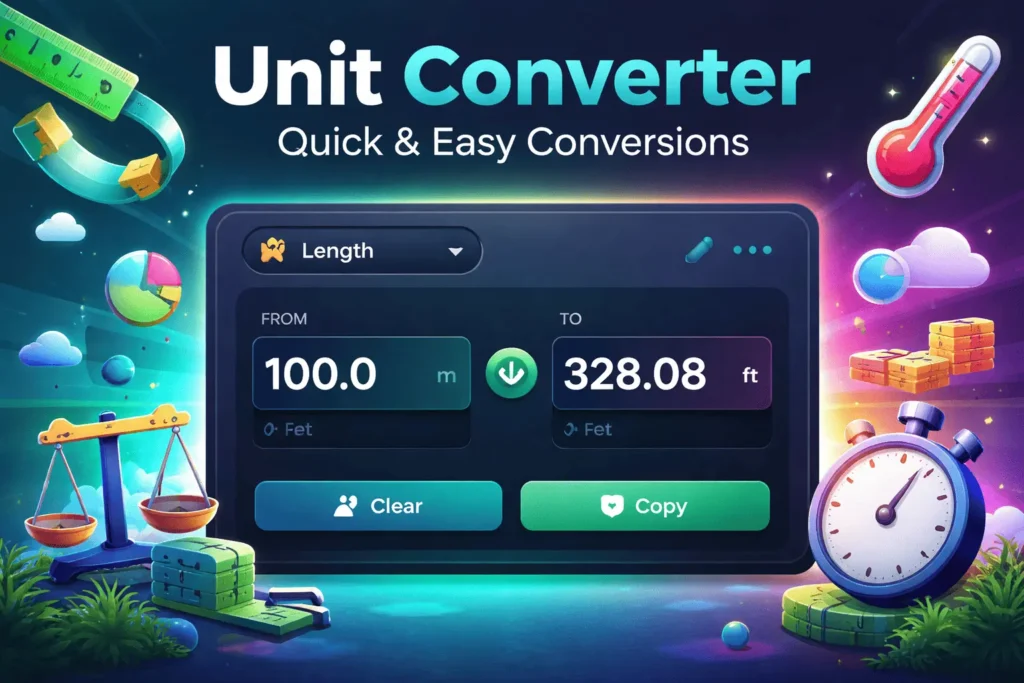
Unit Converter – Solve Measurement Problems for Everyone
Introduction
Are you struggling with converting measurements correctly and quickly in your daily tasks? From students solving homework problems to freelancers working with international data and businesses handling measurements, unit conversion is a common but often confusing challenge. A Unit Converter removes this confusion by allowing users to convert values instantly without memorizing formulas or using complex calculators.
This tool helps students, professionals, freelancers, and small business owners perform accurate unit conversions in seconds. With this tool, you can convert length, weight, temperature, data, time, and more quickly and efficiently. This guide explains how to use the tool, why it’s reliable, and how to get the best results every time.
This post will take you step-by-step through the entire process of using a unit converter online without making any mistakes.
What is Unit Converter?
An online calculation tool called a unit conversion tool enables users to quickly convert a value between different units of measurement. Instead of manually applying formulas or looking up conversion tables, the tool performs calculations automatically using standardized conversion factors.
This Unit Converter tool is built for speed, accuracy, and simplicity. It helps:
Students solving math and science problems
Freelancers working with international measurements
Businesses handling data, shipping, and calculations
Anyone who needs fast and reliable unit conversion
The tool on strongpdf.com runs directly in your browser, requires no installation, and delivers instant results. This tool is made to satisfy your needs, whether you’re looking for a free online unit conversion tool or a straightforward solution that doesn’t require registration.
Key Features
1. Multiple Conversion Categories
Conversions of length, weight, temperature, volume, speed, time, area, data, and energy are all supported by the Unit Converter.
This makes it a complete all-in-one solution.
2. Real-Time Results
As soon as you enter a value, the result updates automatically. This makes it a fast unit converter for students and professionals alike.
3. Accurate Temperature Conversion
Unlike many tools, temperature conversions use proper scientific formulas instead of ratios. This makes it an accurate temperature unit converter.
4. Clean and Simple Interface
The layout is easy to understand, making it a simple unit converter tool for beginners.
5. No Signup or Installation
You can use the unit converter without signup, directly from your browser.
Why Choose This Tool?
There are many unit converters available online, but not all of them are reliable or beginner-friendly. This tool stands out because it is accurate, fast, and completely free.
Many users ask,Is it safe to use the unit converter tool online? is a question that many users have. This one is. It runs entirely in your browser and does not collect or store personal data.
It’s also one of the best unit converter tool for beginners because of its clean interface and automatic calculations.
How to Use Unit Converter
This unit converter is easy to use and doesn’t require any technical expertise.
Step 1 — Select a Category
Choose the type of conversion you need, such as length, weight, temperature, or data.
Step 2 — Enter the Value
Type the number you want to convert into the input field.
Step 3 — Choose the From Unit
Select the unit you are converting from (for example, meters, kilograms, or Celsius).
Step 4 — Choose the To Unit
Select the target unit you want the value converted into.
Step 5 — View or Copy the Result
The converted value appears instantly and can be copied with one click.
If you’re wondering how to use a unit converter online correctly, you can always get accurate results by following these steps.
Tips for Best Results
Always double-check the selected category
Use decimal values for better precision
Swap units instead of retyping values
Common Mistakes to Avoid
Selecting the wrong unit category
Confusing similar units (KB vs MB)
Rounding numbers before conversion
Benefits of Using Unit Converter
Saves Time
Manual conversions take time. This tool gives instant results.
High Accuracy
Uses standard conversion factors and proper formulas.
Free to Use
A truly free unit converter online with no hidden costs.
User-Friendly
Ideal for beginners, students, and professionals.
Reliable Across Devices
Works on desktop, tablet, and mobile devices.
Who Should Use Unit Converter?
Students
Perfect for homework, exams, and learning measurements. It’s a fast unit converter for students who need quick answers.
Freelancers
Useful for international projects involving different units. Many consider it the best unit converter for freelancers.
Small Businesses
Helps with shipping measurements, data sizes, and calculations.
Professional Teams
Supports accurate conversions for reports and technical work.
Related Tools on strongpdf.com
You may also find these tools useful:
These tools complement the Unit Converter and improve productivity.
Unit Converter vs Alternatives
Manual Conversion Methods
Slow, error-prone, and inconvenient.
Software-Based Tools
Require downloads, updates, and storage.
Other Online Tools
Often limited or inaccurate with temperature conversions.
Better speed, accuracy, accessibility, and simplicity are provided by this unit converter. It is especially popular as the best unit converter for freelancers who need quick and reliable results.
FAQs About Unit Converter
Is Unit Converter free to use?
Yes, it is completely free.
Does it work on mobile devices?
Yes, it works on all modern devices.
How accurate is the Unit Converter tool?
It uses standard conversion factors and correct formulas.
Is installation required?
No installation is needed.
Can I use it without signup?
Yes, it is a unit converter without signup.
Is it safe to use?
Yes, it runs in the browser and stores no data.
Does it support temperature conversion?
Yes, it is an accurate temperature unit converter.
Who should use this tool?
Students, freelancers, professionals, and businesses.
Conclusion
Stop wasting time with confusing and error-prone manual conversions. Try the Unit Converter today and enjoy fast, accurate, and stress-free results. Start now and experience easier unit conversions on strongpdf.com.