Basic Words
Type the words as they appear. Focus on accuracy first.
Level Selection
Level Complete!
Great job! Ready for the next challenge?
Typing Speed Game – Boost Your Accuracy and Speed for Free
Introduction
Are you struggling to improve your typing speed and accuracy? The Typing Speed Game is a free online tool designed to help students, professionals, and casual users enhance typing skills while having fun. Whether you are a freelancer preparing for deadlines, a student practicing for exams, or a teacher helping students, this tool provides a level-based challenge to gradually improve typing efficiency.
You may monitor your words per minute (WPM) and typing accuracy in real time with this contemporary typing speed game. It is totally free, mobile-friendly, and doesn’t require any signup. Learning is quick, dynamic, and inspiring since you can practice anywhere, at any time, and track your progress through ten interesting stages.
This tutorial will walk you through the main features of the Typing Speed Game, demonstrate how to use it efficiently, and discuss why it’s the greatest free typing practice tool for both novices and pros.
What is Typing Speed Game? (350 words)
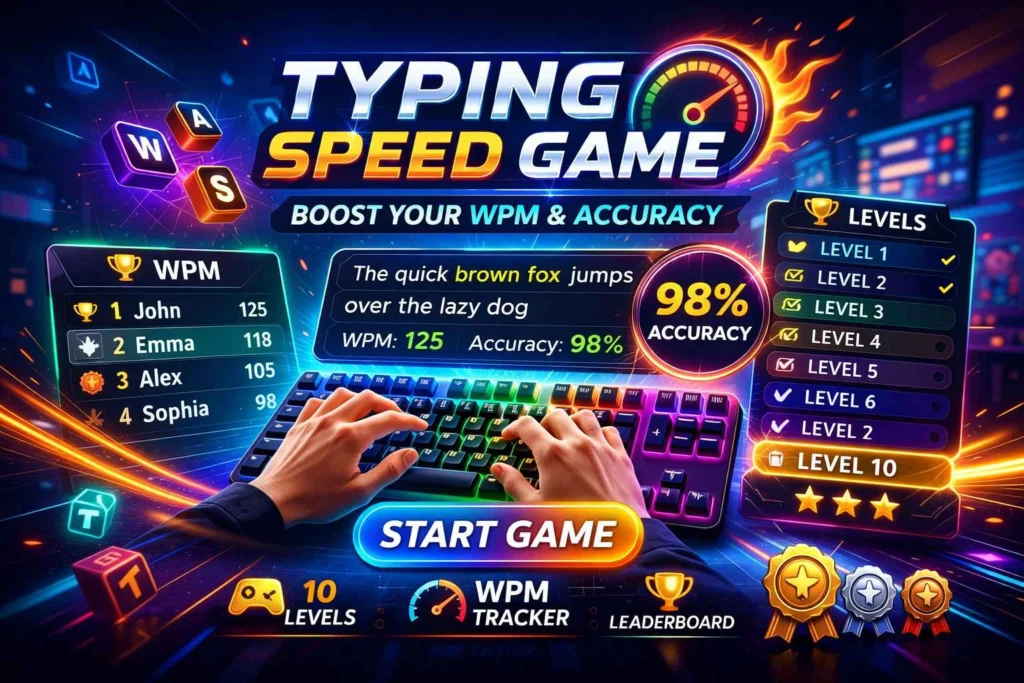
Typing Speed Game is an interactive, level-based online tool that helps users enhance typing speed and accuracy. It is modern, engaging, and beginner-friendly. Players can practice typing through 10 levels, each designed to improve WPM and minimize mistakes gradually.
Key Features
Level-Based Gameplay (H4) – Users advance through 10 levels, increasing difficulty to improve both speed and accuracy gradually.
Real-Time WPM & Accuracy Tracking (H4) – Instantly see how many words per minute you type and monitor mistakes.
Mobile-Friendly Design (H4) – Play seamlessly on smartphones, tablets, or desktops.
No Signup Required (H4) – Start playing immediately with zero registration.
Free to Play (H4) – Access all features for free, without any hidden costs.
Why Choose This Tool?
Beginner-friendly interface
Motivates daily practice
Fun, level-based challenges
No installation or technical knowledge required
How to Use Typing Speed Game?
Step 1 – Open the Game
Access the Typing Speed Game through any web browser. No download or signup is required.
Step 2 – Choose Your Level
Select a starting level based on your skill. Beginners should start at level 1 to build confidence.
Step 3 – Start Typing
Type the words displayed as fast and accurately as possible. Real-time WPM and accuracy scoring help track performance.
Step 4 – Track Progress
After completing each level, review your performance. Compare WPM and errors with previous attempts.
Step 5 – Repeat and Improve
Practice consistently to increase typing speed. Gradually aim for fewer errors and higher WPM.
Tips for Best Results
Focus on accuracy first, then speed
Use all fingers instead of just a few
Practice daily, even for 10–15 minutes
Common Mistakes to Avoid
Rushing through levels without maintaining accuracy
Ignoring progress tracking
Not taking advantage of mobile-friendly features
Benefits of Using Typing Speed Game (350 words)
Save Time – Faster typing speeds help complete work, essays, and assignments more efficiently.
Accuracy – Real-time scoring helps reduce mistakes.
Free & Cost-Effective – No signup, no payment required.
User-Friendly– Beginners and professionals can use it easily.
Extra Benefits – Mobile-friendly, 10 levels, visually engaging interface.
Who Should Use Typing Speed Game?
Anyone wanting to improve typing efficiency can benefit from this tool, including:
Students – For exams and assignments
Freelancers & Professionals – Increase productivity and speed
Teachers & Educators – Train students effectively
Gamers – Improve reaction time and keyboard agility
Use Our Others Tool
remove extra space tool online
FAQs About Typing Speed Game
Is Typing Speed Game free to use?
Yes, it’s fully free.Can I play it on mobile devices?
Yes, it’s mobile-friendly.Do I need to register?
No signup is required.How accurate is the scoring?
It provides real-time WPM and accuracy tracking.Is it beginner-friendly?
Yes, suitable for all skill levels.How many levels does it have?
It has 10 levels.Does it require installation?
No installation is needed; it works in any browser.Can I track progress?
Progress is tracked during sessions, even without an account.
Conclusion
Don’t waste time with slow typing. Try Typing Game now to improve your speed and accuracy instantly for free! Challenge yourself across 10 modern levels, track WPM, and reduce mistakes while enjoying a fun, interactive experience.
This tool is perfect for students, professionals, freelancers, and anyone looking to enhance typing efficiency. Click here to start playing the Typing Game today and boost your skills with no signup or installation required.