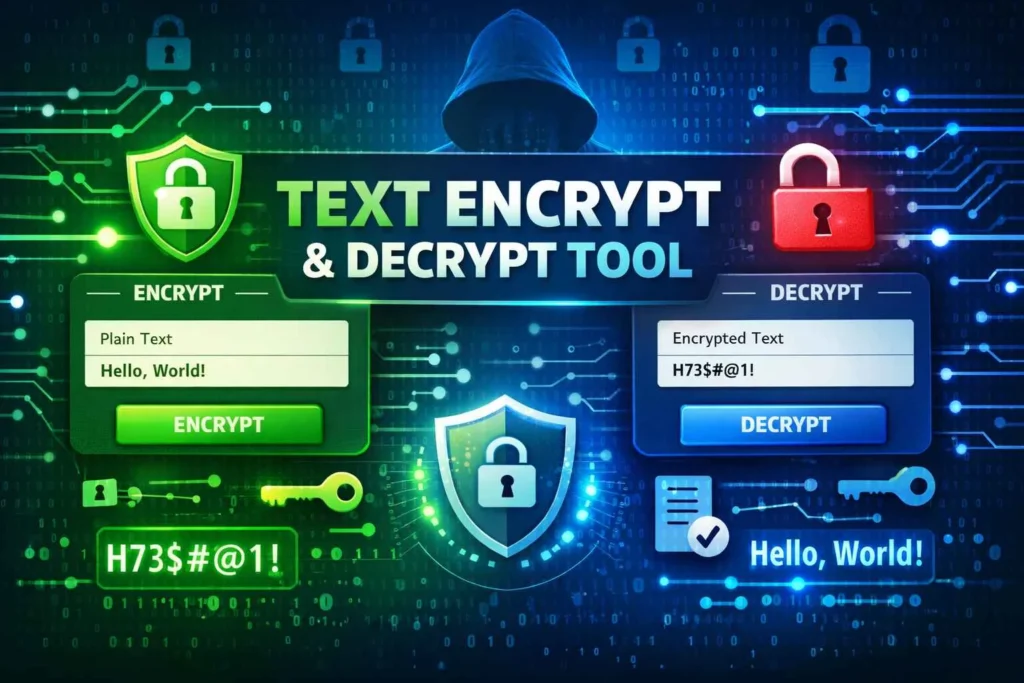
Encrypt And Decrypt Text
Secure your text with multiple encryption algorithms and keys
Advanced Text Encryption Tool • All processing happens locally in your browser
Encrypt and Decrypt Text – A Simple, Real-World Guide to Keeping Your Messages Safe
If you think about it, we spend a huge part of our day typing something—messages, notes, emails, passwords, or even small pieces of personal information. Most of the time, we don’t stop to wonder what happens to that text after we send or save it.
But every now and then, a simple question comes up:
“Is my data actually safe?”
That’s where the idea to encrypt and decrypt text starts to make sense.
Not in a complicated, technical way—but in a practical, everyday way. It’s about taking something readable and turning it into something protected. Something only you—or the right person—can understand.
The good thing is, you don’t need to be an expert to do it. With the right tools and a basic understanding, you can protect your information in just a few seconds.
What Does Encryption Really Mean?
Let’s keep it simple.
When you encrypt text, you change it from something readable into something that looks like random characters. Anyone looking at it won’t understand what it says.
When you decrypt text, you bring it back to its original form.
So, it’s not about hiding data forever—it’s about controlling who can read it.
Here’s a basic example:
Original: “My password is 1234”
Encrypted: “G7#kL92@z!”
Without the right method, that encrypted version doesn’t mean anything.
This is the foundation of data encryption and digital privacy.
Why People Are Using Encryption More Than Ever
A few years ago, encryption felt like something only big companies or developers used.
Now, it’s different.
People are more aware of:
privacy
data leaks
online risks
And they want simple ways to protect themselves.
That’s why tools like a text encryption tool or online encryption tool are becoming more common. They make security easy instead of complicated.
How the Process Works (Without Overcomplicating It)
At its core, encryption is just a transformation.
You start with text → apply a method → get an unreadable version.
To reverse it, you apply the correct method again.
Behind the scenes, this involves:
encryption algorithms
cipher algorithms
But as a user, you don’t need to worry about that. The tool does it for you.
Different Ways to Encrypt Text
Not all encryption is the same. Some methods are simple, while others are more secure.
Basic Encoding
This is the simplest form.
It’s often used to:
encode and decode text
It’s quick but not very secure.
Key-Based Encryption
This is where things get more interesting.
You can:
encrypt text with key online
decrypt encrypted text with key
Here, the key acts like a password. Without it, the message stays locked.
Advanced Encryption Methods
These use stronger systems based on cryptography basics.
They are used in:
banking
messaging apps
secure communication systems
Tools That Make Everything Easier
Instead of doing everything manually, you can use online tools.
Some common ones include:
text encryptor online
text decryption tool
online decryption tool
message encryption tool
These tools are built to be simple. You paste your text, click a button, and get instant results.
How to Encrypt and Decrypt Text Online
Encrypting and decrypting text online is very easy. You don’t need any technical knowledge—just follow these simple steps.
✏️ Step 1: Enter Your Text
-
Go to the text box labeled Input Text
-
Type or paste the message you want to secure
👉 Example:Hello World
🔧 Step 2: Choose an Encryption Method
Select an algorithm based on your need:
-
Caesar Cipher → Simple shifting (basic security)
-
Base64 → Encoding (not real encryption)
-
ROT13 / Atbash → Quick transformations
-
XOR / Vigenère → Better security
-
Custom → Mixed encryption for stronger protection
👉 Tip: For better security, use Vigenère or Custom
🔑 Step 3: Enter a Key (If Required)
Some methods need a key:
-
Caesar → Enter a number (e.g., 3)
-
Vigenère → Enter a word (e.g., SECRET)
-
XOR / Custom → Enter any text key
👉 The stronger your key, the safer your text
🔒 Step 4: Click “Encrypt”
-
Press the Encrypt button
-
Your coded message will appear in the Processed Text box
👉 Example Output:Khoor Zruog
🔓 Step 5: Decrypt Text (Reverse Process)
To get your original text back:
-
Paste the encrypted text into the input box
-
Select the same algorithm
-
Enter the same key
-
Click Decrypt
👉 You will get your original message instantly
📋 Step 6: Copy or Clear
-
Click Copy to save your result
-
Click Clear All to reset the tool
⚠️ Important Tips
-
Always remember your key (without it, decryption may fail)
-
Not all methods are highly secure (Base64 is not encryption)
-
For sensitive data, use stronger algorithms like Vigenère or Custom
✅ Quick Summary
-
Enter text → Choose method → Add key → Encrypt
-
To decrypt → Use same method + same key
Real-Life Situations Where This Helps
Encryption is not just theoretical. It’s useful in everyday situations.
Sending Private Information
If you’re sharing something sensitive, encryption adds a layer of protection.
Saving Important Notes
You might not want certain notes to be readable if someone accesses your device.
Working with Clients or Teams
In professional settings, secure communication matters.
The Difference Between Security and Convenience
One interesting thing about encryption is balance.
Too much complexity → people stop using it
Too simple → security becomes weak
The best tools find the middle ground.
That’s why a simple text encryption and decryption tool is often more useful than a complicated one.
Common Mistakes People Make
Even with good tools, mistakes happen.
Some of the most common ones:
using very simple keys
sharing keys openly
assuming basic encoding is secure
Avoiding these small mistakes makes a big difference.
Tips That Actually Make Your Data Safer
You don’t need advanced knowledge. Just follow a few simple habits:
✔️ Use stronger keys
✔️ Avoid obvious patterns
✔️ Don’t reuse the same key everywhere
✔️ Test your decryption before sending
These small steps improve message security significantly.
Why Online Tools Are So Popular
People prefer online tools because they are:
quick
accessible
easy to use
You don’t need to install anything. Everything works in your browser.
That’s why searches for:
best free text encryption tool
online tool to encrypt and decrypt text
are increasing.
Understanding Text Security in a Simple Way
At the end of the day, text security is about control.
Who can read your message?
Who can access your data?
Encryption gives you that control.
A Quick Look at Cryptography Basics
You don’t need to study cryptography deeply, but it helps to know the basics.
Cryptography is simply the science of protecting information.
It includes:
encryption
decryption
algorithms
Everything you do with secure text encryption comes from this idea.
How Encryption Connects to Daily Life
You might not notice it, but encryption is everywhere:
messaging apps
banking systems
login pages
Even simple tools use the same principles.
The Role of Data Protection Today
Data is valuable.
And because of that, data protection is more important than ever.
Encryption is one of the easiest ways to protect it.
Best Related Tools for Text Encrypt / Decrypt Tool
Find & Replace Text
Edit sensitive text quickly before or after encryption.
👉 Link text: find and replace text online
Remove Extra Space
Clean text by removing unnecessary spaces before encrypting.
👉 Link text: remove extra spaces tool
Case Converter
Format text properly by converting it into different cases before processing.
👉 Link text: case converter online
Text Reverser
Add an extra layer of transformation by reversing text for basic obfuscation.
👉 Link text: reverse text tool
Word Counter
Check text length and structure before encrypting or decrypting.
👉 Link text: word counter online
Future of Simple Encryption Tools
Tools are becoming:
faster
simpler
more user-friendly
They focus on making security available to everyone, not just experts.
Final Thoughts
Learning how to encrypt and decrypt text isn’t about becoming a tech expert. It’s about understanding a simple idea and using it when you need it.
With the right tools, you can protect your messages, secure your data, and feel more confident about what you share online.
It’s a small habit—but it makes a big difference.
learn more about this tool in wikipedia.
❓ FAQ (Search-Based)
What does it mean to encrypt text?
It means converting readable text into a coded format.
How to decrypt text?
Use a text decryption tool with the correct key.
Are encryption tools free?
Yes, many tools are free.
Is encryption safe?
Yes, if you use strong methods.
Can I encrypt text online?
Yes, using an online encryption tool.
What is a text encryptor?
A tool that converts text into encrypted format.
What is decryption?
The process of converting encrypted text back to normal.
Do I need coding skills?
No, modern tools are simple to use.