Advanced Text Encryption Tool
Secure your text with multiple encryption algorithms and keys
Advanced Text Encryption Tool • All processing happens locally in your browser
Text Encrypt & Decrypt Tool – Secure Your Text Instantly for Everyone
Introduction
The Text Encrypt & Decrypt Tool helps you protect sensitive text, messages, or private data from unwanted access instantly.? Whether you are a student, developer, freelancer, or business owner, keeping your information secure is more important than ever. That’s where the Text Encrypt & Decrypt comes in.
You may transform readable text into safe, unreadable formats with this free online tool for text encryption and decryption, and you can recover it whenever you need to. This tool is perfect for anyone looking for a quick and dependable approach to safeguard text online because it doesn’t require registration or installation and offers rapid results.
You’re at the right place if you’re looking for the best text encryption tool for novices, a free text decryption tool that doesn’t require a signup, or instructions on how to encrypt text. From comprehending how encryption functions to utilizing the tool efficiently for optimal security, this guide will take you step-by-step through the entire process.
What is Text Encrypt & Decrypt Tool?
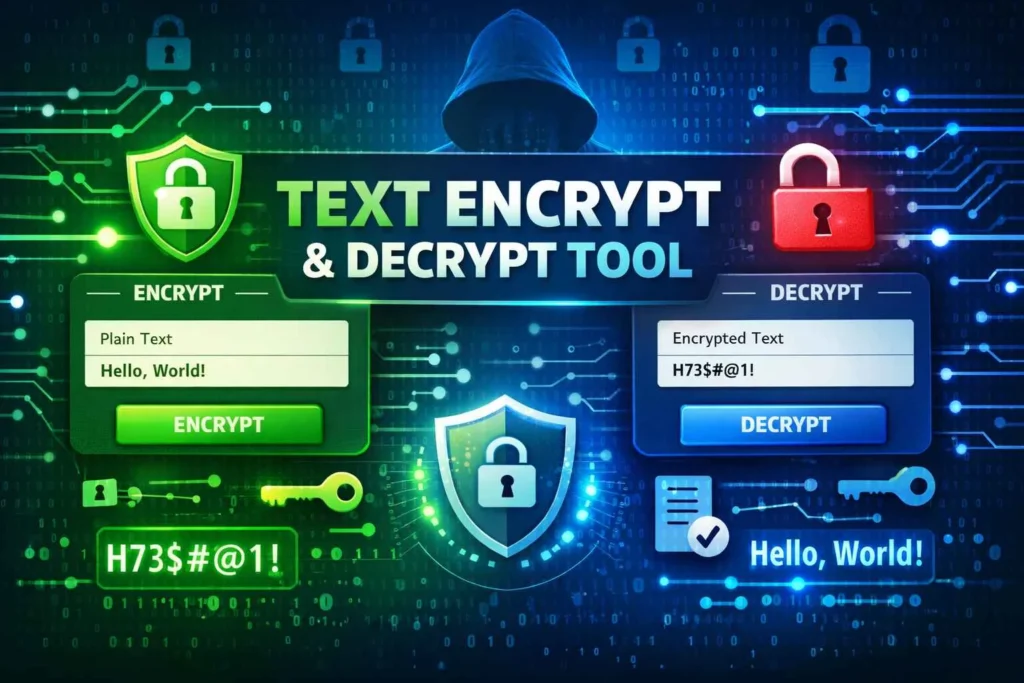
An innovative web tool called the Text Encrypt & Decrypt Tool is made to transform plain text into encrypted code and then decrypt it when needed. Your data never leaves your device because it operates right in your browser.
This program is designed for non-technical users that require secure, fast, and accurate text encryption. Because it supports a variety of encryption techniques, users can select the level of protection they require.
Key Features
Multiple Encryption Algorithms
Choose from Caesar Cipher, Base64, ROT13, XOR, Vigenère, Reverse Text, Atbash, and Custom encryption.Real-Time Processing
Encrypt or decrypt text instantly without delays.Client-Side Security
All processing happens locally—no servers involved.Key Strength Indicator
Visual feedback helps you create stronger encryption keys.FREE & No Signup
Completely free text encryption tool without registration.
Why Choose This Tool?
This free text encryption application offers complete capability right away, in contrast to many others that restrict functions or require signups. It’s ideal for those looking for:
best text encrypt & decrypt tool for privacy
text encryption without signup
secure text converter online
How to Use Text Encrypt & Decrypt Tool?
Using this tool is simple—even for beginners.
Step-by-Step Guide
Step 1: Enter your text into the Input Text box
Example: Hello World
Step 2: Select an encryption algorithm
Example: Caesar Cipher, XOR, or Vigenère
Step 3: Enter a key (if required)
Example: 3 or SECRETKEY
Step 4: Click Encrypt
Your encrypted text appears instantly.
Step 5: To decrypt, paste encrypted text → choose same algorithm → enter key → click Decrypt
Tips for Best Results
Use longer keys for XOR or Vigenère
Avoid simple keys like “123”
Match encryption & decryption algorithm
Common Mistakes to Avoid
Using the wrong key for decryption
Switching algorithms accidentally
Forgetting to copy encrypted text
Benefits of Using Text Encrypt & Decrypt Tool
Save Time
Encrypt and decrypt text in seconds—no setup needed.
Accuracy
Each algorithm follows correct encryption logic to ensure reliable output.
Free & Cost-Effective
A 100% free text encryption online tool—no premium traps.
User-Friendly
Designed for beginners and professionals alike.
Extra Benefits
Mobile-friendly
No installation
No data storage
Works offline once loaded
Who Should Use Text Encrypt & Decrypt Tool?
Anyone who wants to protect text data can benefit from this tool, including:
Students protecting assignments
Freelancers sharing confidential content
Developers testing encryption logic
Bloggers hiding sensitive drafts
Businesses securing internal notes
If you’re searching for best text encryption tool tool for professionals, this is the perfect choice.
Internal Tools You Can Use Alongside This Tool
Enhance productivity by using related tools:
FAQs About Text Encrypt & Decrypt Tool
Is it free to use the Text Encrypt & Decrypt Tool?
Yes, there is no need to register for this internet tool, which encrypts and decrypts text for free.
Is it compatible with mobile devices?
Of course. The application is completely responsive and compatible with tablets and smartphones.
How accurate is this tool?
It uses standard encryption logic to ensure accurate encryption and decryption.
Does it require installation?
No installation needed. It works directly in your browser.
Is my data stored anywhere?
No. All processing happens locally on your device.
Which encryption is strongest?
Vigenère and Custom encryption provide stronger protection than basic ciphers.
Can I decrypt text without a key?
Only algorithms without keys (like ROT13 or Reverse) allow this.
Is this appropriate for novices?
Indeed, it’s among the greatest text encryption and decryption tools available for novices.
Conclusion
Don’t risk exposing sensitive text or private messages. With the text encryption tool, you can secure your data instantly using a fast, free, and reliable solution. Whether you need basic text encryption or advanced multi-layer protection, this tool delivers powerful features without complexity.
👉 Try the FREE Text Encrypt & Decrypt Tool now and experience secure text conversion without signup, installation, or limits.