📊 Percentage Master
Recent Calculations
Percentage Calculator – Solve Complex Percentage Problems for Everyone
Introduction
Do you have trouble accurately and swiftly calculating percentages? Manual percentage computations can be difficult and time-consuming, whether they are used for personal, professional, or educational purposes. Small business owners, professionals, and students can all tackle percentage problems more effectively with the use of a % calculator.
With this tool, you can calculate discounts, percentage increases, percentage differences, and more instantly and accurately. This guide explains how to use a percentage calculator online, explore its features, and maximize results.
If you’ve ever wondered how to use percentage calculation tool for business or what is the best percentage calculator for beginners, this article is for you.
What is Percentage Calculator?
A Percentage Calculator is an online tool designed to perform all types of percentage calculations with speed and precision. Whether you’re looking to find out what percent X is of Y, calculate increases or decreases, or determine percentages for reports, this tool makes it effortless.
It helps a wide range of users:
Students – quickly solve homework or exam problems.
Small business owners – calculate discounts, profit margins, and growth percentages.
Freelancers & Teams – evaluate project metrics and financial performance.
The Percentage Calculator is fast, intuitive, and eliminates human errors from manual calculations. Its simplicity and accuracy save both time and effort.
Key Features
Multiple Calculation Modes
Supports seven smart modes: X% of Y, X is what percent of Y, percentage increase/decrease, percentage change, percentage difference, add percentage, and subtract percentage. You can add a percentage to a number or subtract a percentage from a value in seconds.Dynamic Input Fields
Input fields change automatically based on the calculation type, making it easy to enter the correct numbers without confusion.Real-Time Results & Explanation
After entering values, the tool instantly provides a result along with a clear explanation so you understand how the number was calculated.History & Reusability
Keeps your last five calculations in memory, allowing you to track recent calculations in percentage calculator.Accessible & Mobile-Friendly
Works on all devices, is ARIA compliant, and supports RTL languages, ensuring everyone can use it comfortably.
Why Choose This Tool?
Compared to traditional methods like pen-and-paper calculations or using spreadsheet formulas, the Percentage Calculator offers speed, accuracy, and convenience.
Wondering best percentage calculator for beginners? This tool is ideal because of its simple interface.
Unlike manual calculations, it eliminates errors and saves time.
Unlike bulky software, it is lightweight, accessible online, and free—no installation required.
Whether you’re comparing values, analyzing reports, or calculating discounts, this tool is faster, safer, and more efficient than alternatives.
How to Use Percentage Calculator
Using the Percentage Calculator is easy and intuitive. Here’s a step-by-step guide:
Step 1 – Choose Calculation Type
Select the mode that matches your task from the dropdown menu: X% of Y, X is what percent of Y, percentage increase/decrease, etc.
Step 2 – Enter Values
The tool dynamically shows input fields based on your choice. Fill in numbers carefully to ensure accuracy.
Step 3 – Calculate
Click the Calculate button to instantly see the result and a detailed explanation. You can calculate percentage increase or find what percent X is of Y in seconds.
Step 4 – Swap or Clear Values
You can swap input values if needed or clear all fields with a single click to start fresh.
Step 5 – Copy or Save Results
Use the Copy button to save your result or reference the Recent Calculations section for quick reuse.
Tips for Best Results
Always double-check the calculation type before entering values.
Avoid leaving fields empty to prevent errors.
For percentage change calculations, ensure the initial value is not zero.
Common Mistakes to Avoid
Entering values in the wrong field (inputX vs inputY).
Using symbols like % inside the numeric fields—just enter the number.
Ignoring the explanation: it helps you understand the calculation for future tasks.
Benefits of Using Percentage Calculator
Save Time: Instant calculations save hours compared to manual methods.
Accuracy: Eliminates errors common with manual or spreadsheet calculations.
Free & Accessible: Use it online without registration or installation.
User-Friendly: Intuitive interface suitable for beginners and experts alike.
Extra Benefits: Includes history tracking, copy functionality, and multiple calculation modes in one tool.
Who Should Use Percentage Calculator?
Small Businesses – Calculate discounts, price adjustments, and profit margins quickly.
Freelancers – Analyze project metrics or calculate percentages in invoices.
Students – Solve homework, exam, or grade percentage problems efficiently.
Teams & Professionals – Compare data, track performance, and evaluate progress using precise percentages.
Each user benefits from instant results, error-free calculations, and the ability to reuse recent calculations.
Related Tools from strongpdf
Grade Calculator – calculate percentages for academic scores.
Aggregate Calculator – compute totals and averages instantly.
Tax Proration Calculator – calculate prorated taxes quickly.
These tools complement the Percentage Calculator for comprehensive number handling.
Percentage Calculator vs Alternatives
| Feature | Percentage Calculator | Manual Methods | Competitor Tools |
|---|---|---|---|
| Speed | ✅ Instant | ❌ Slow | ⚠️ Moderate |
| Accuracy | ✅ High | ❌ Error-prone | ⚠️ Moderate |
| Simplicity | ✅ Easy to use | ❌ Complex | ⚠️ Varies |
| Accessibility | ✅ Online/mobile | ❌ Paper only | ⚠️ Limited |
If you’re searching for the best percentage calculator for freelancers, this tool stands out with its speed, accuracy, and user-friendly interface.
FAQs About Percentage Calculator
1. How to use Percentage Calculator online?
Simply select your calculation type, enter the numbers, and click Calculate. Results appear instantly.
2. Best percentage calculator for beginners?
This tool is beginner-friendly due to its simple interface and guided input fields.
3. Free percentage calculator without signup?
Yes, it is fully free and requires no registration.
4. Is Percentage Calculator safe to use?
Yes, it is secure, privacy-friendly, and works entirely in your browser.
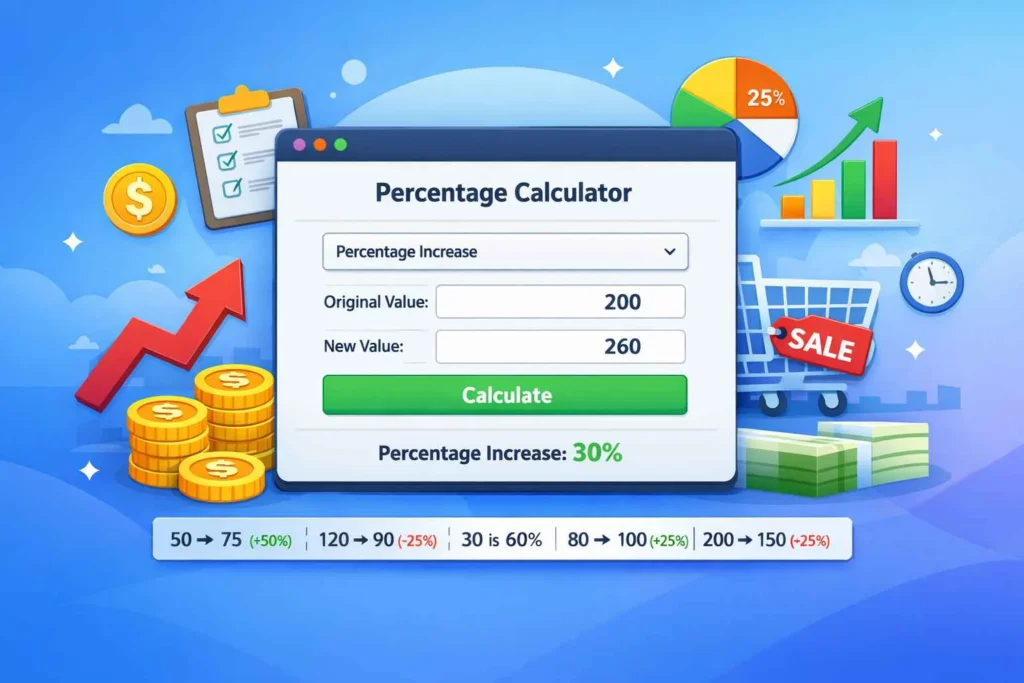
5. How to calculate percentage increase?
Choose “percentage increase” mode, enter the original and new values, and click Calculate.
6. How to find what percent X is of Y?
Select the “X is what percent of Y” mode, input the numbers, and get the result instantly.
7. How to add a percentage to a number?
Use the “add percentage” mode, enter the base value and percentage, then calculate.
8. How to subtract a percentage from a value?
Use the “subtract percentage” mode to quickly determine the reduced value.
9. How to use percentage calculator for business?
Use it for discounts, profit margins, sales growth, or financial reporting to save time and reduce errors.
10. How to track recent calculations in percentage calculator?
The tool keeps the last 5 calculations visible, allowing you to reuse or review them easily.
Conclusion
Stop wasting time with manual percentage calculations. Try Percentage Calculation today and enjoy accurate, fast, and hassle-free percentage calculations. Start now and experience instant results and smarter calculations.