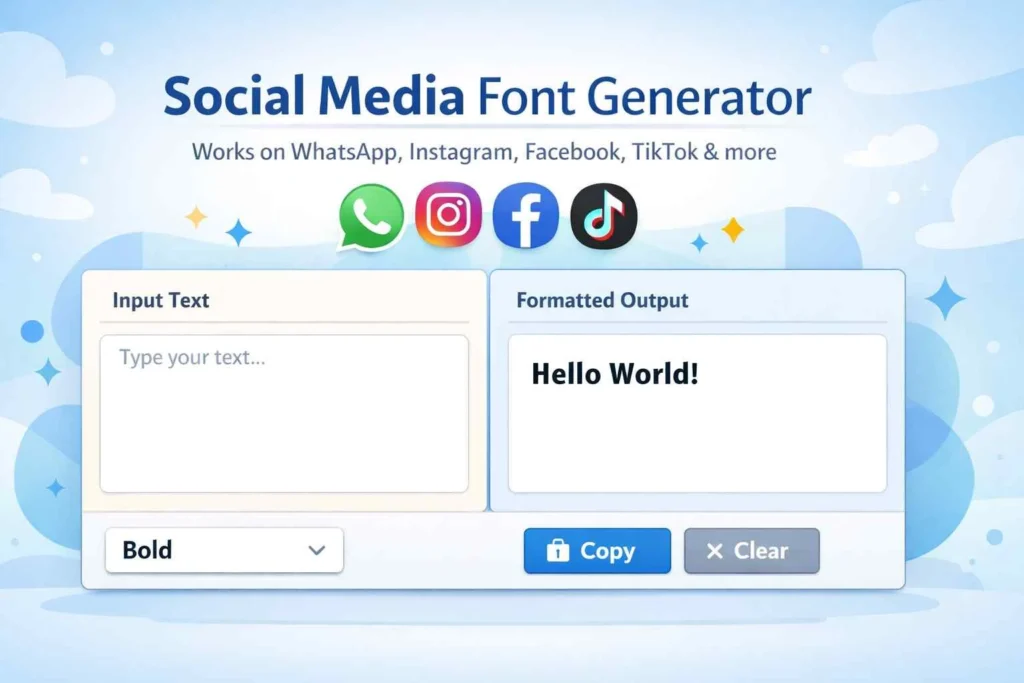
Social Media Unicode Formatter
Works on WhatsApp, Instagram, Facebook, TikTok & more




Social Media Font Generator – Create Stylish Text Instantly
Text communication has become the backbone of modern digital interaction. Whether people are chatting on WhatsApp, posting captions on Instagram, updating bios, or replying to comments on Facebook, text is everywhere. But plain text often feels boring and fails to stand out in a crowded social feed.
A Social Media Font Generator comes in quite handy in this situation. This application enables users to change ordinary text into elegant, sophisticated, and attention-grabbing font styles that immediately draw notice, rather than utilizing the same default font that everyone else uses.
Our online font generator was created with compatibility, speed, and ease of use in mind. It supports a variety of platforms, operates directly in the browser, and doesn’t need to be installed. Innovative text styles can be created by users and copied and pasted anywhere they choose.
🔤 What Is a Social Media Font Generator?
An online text styling tool that transforms plain text into ornamental Unicode font styles is called a social media font generator. Despite having a different appearance from normal fonts, these styles are nonetheless perfectly legible on the majority of contemporary gadgets and social media sites.
Unlike traditional fonts that require installation, this tool uses Unicode characters. That means the styled text works on:
WhatsApp chats
Instagram bios and captions
Facebook posts and comments
Twitter (X) tweets
Telegram messages
YouTube descriptions
Users simply type or paste text, choose a style, and copy the generated result.
🎯 Why People Use Stylish Fonts for Social Media
- Stand Out in Crowded Feeds
Millions of posts are published daily. Stylish text immediately draws attention and increases engagement.
- Improve Profile Appearance
Creative fonts make bios look more professional, unique, and memorable.
- Express Personality
Different text styles reflect mood, creativity, and personal branding.
- No Design Skills Required
Anyone can create fancy text without knowing graphic design or typography.
⚙️ How the Social Media Font Generator Works
The process is simple and user-friendly:
- Enter your normal text in the input box
- The tool instantly converts it into multiple font styles
- Browse through stylish, fancy, and cool text options
- Copy your favorite style
- Paste it into chats, bios, or posts
No signup, no downloads, and no learning curve.
💡 Popular Use Cases of Stylish Text Generator
✉️ Chat Messages
Use creative fonts to make WhatsApp or Messenger conversations more fun and expressive.
📸 Instagram Bio & Captions
Stylish fonts help bios look aesthetic and increase profile appeal.
📘 Facebook Posts
Decorative text improves visibility and interaction on posts.
🎮 Gaming Names
Many users create unique in-game names using fancy text styles.
📢 Marketing & Branding
Businesses use styled text for promotions, highlights, and announcements.
🔠 Different Text Styles You Can Generate
Our tool supports a wide variety of Unicode styles, including:
Bold text styles
Italic and cursive fonts
Bubble and circled letters
Small caps text
Fancy symbols text
Aesthetic fonts
Minimal and clean styles
These styles are compatible with most modern devices and browsers.
🌍 Works on All Major Platforms
One of the biggest advantages of this font generator is cross-platform compatibility. The generated text works seamlessly on:
Android and iOS devices
Desktop browsers
Social media apps
Messaging platforms
Because the text is Unicode-based, it does not break formatting or display errors.
🔒 Privacy and Safety
Your text privacy matters. This tool:
Does not store user input
Processes text instantly in the browser
Does not require login or personal data
This makes it safe for both casual users and professionals.
🚀 Benefits of Using an Online Font Generator
Instant results
No app installation
Free to use
Mobile-friendly design
Clean and fast interface
SEO-friendly styled text for profiles
🆚 Social Media Font Generator vs Traditional Fonts
Feature Online Font Generator Installed Fonts
Installation Not required Required
Compatibility High Limited
Ease of Use Very easy Technical
Platform Support Universal App-specific
📈 SEO & Engagement Benefits of Stylish Text
Using creative text styles can indirectly improve engagement metrics such as:
Click-through rate
Profile visit duration
Visual attention
Brand recall
While fonts themselves do not directly impact SEO rankings, increased engagement can positively affect overall visibility.
🧩 Alternative Names Used for This Tool
To avoid repetition and keep content natural, this tool is also referred to as:
Fancy text generator
Stylish text converter
Cool font creator
Chat font generator
Unicode text formatter
(All refer to the same functionality)
❓ Frequently Asked Questions
Q1: Can I use this tool for Instagram bios and captions?
Yes! The Unicode Formatter is optimized for Instagram, allowing you to create unique bold, italic, cursive, or monospace text for your bio, captions, and comments.
Q2: Is the tool free to use?
Absolutely. You can use the Social Media Unicode Formatter for free, directly in your browser, with no registration required.
Q3: Does it work on WhatsApp or Messenger?
Yes! Text formatted with this tool works perfectly on WhatsApp, Messenger, Telegram, and other chat apps that support Unicode characters.
Q4: Can I copy the text directly to my social media posts?
Yes. Simply click the Copy button, and paste your styled text wherever you want—stories, posts, comments, or chats.
Q5: Does it support mobile devices?
100%! The tool is fully responsive and works flawlessly on iOS and Android devices.
Other Useful Text Utilities on Our Website
Word Counter Tool
If you also need to check content length before posting, try our word counter tool to instantly count words, characters, and sentences.
Text Reverser Tool
For creative text styles or fun formatting, you can use our text reverser tool to flip text instantly for chats and posts.
Find and Replace Text Tool
To quickly edit repeated words or fix mistakes in long text, use our find and replace text tool for fast bulk changes.
Remove Extra Space Tool
Before sharing text on social platforms, clean it using our remove extra space tool to fix spacing and formatting issues.
Case Converter Tool
If you want to change text to uppercase, lowercase, or title case, our case converter tool makes it simple and fast.
🏁 Final Thoughts
For anyone looking to enhance the look of their online text, a Social Media Font Generator is an easy-to-use yet effective tool. Stylish typefaces make you stand out effortlessly, whether you are maintaining social media pages, creating a personal brand, or conversing with friends.
This tool is quick, safe, and made with users and SEO in mind. It benefits designers, advertisers, and regular users alike by fusing usability with contemporary text layout.