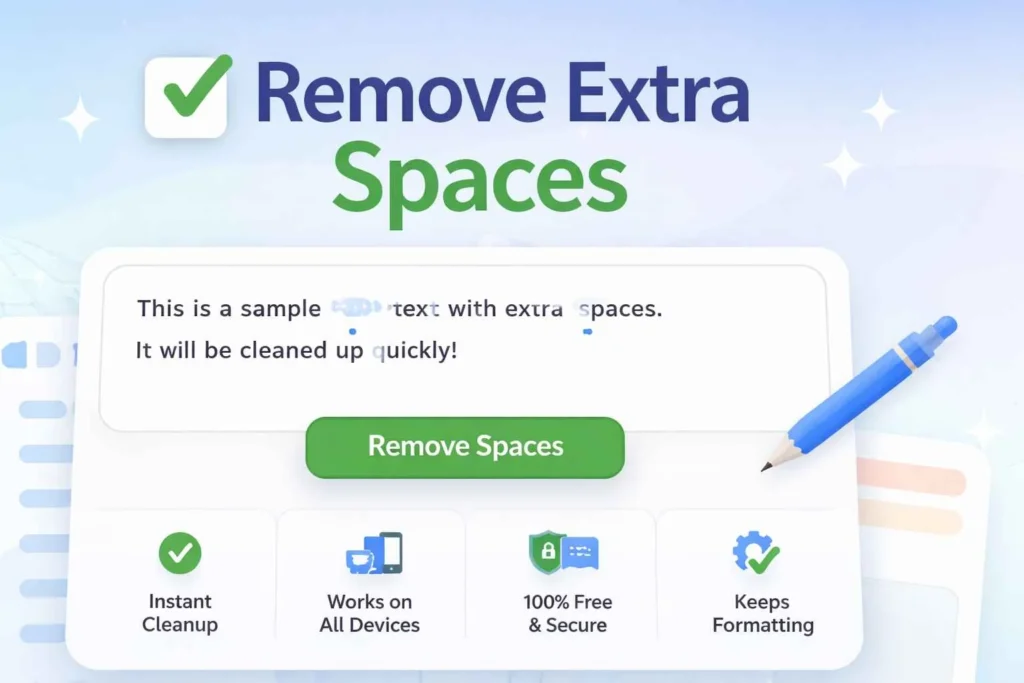
Remove Extra Spaces
Clean text by removing unnecessary spaces, tabs, and line breaks
Remove Extra Spaces Tool • Works perfectly on all devices
Remove Extra Spaces – Quickly Clean and Format Your Text
Introduction
Do you often struggle with text cluttered with extra spaces? Whether you are writing reports, essays, emails, or online content, unnecessary spaces can make your text look unprofessional and hard to read. Remove Extra Spaces is an online tool designed to help you clean up your text instantly.
This tool allows you to remove extra spaces between words, lines, and paragraphs in seconds, without needing any technical knowledge. It is fully accessible on desktop, tablet, and mobile devices. By using Remove Extra Spaces, you can improve readability, make your text more professional, and save hours of manual editing.
In this article, we’ll show you everything you need to know about Remove Extra Spaces, including step-by-step instructions, key features, benefits, tips, and FAQs, so you can get the most out of this easy-to-use tool.
What is Remove Extra Spaces?
Remove Extra Spaces is an online tool that automatically detects and removes unnecessary spaces in your text. This includes double spaces, leading spaces, trailing spaces, and extra spaces between lines or paragraphs.
The tool is designed for anyone who works with text regularly, including students, writers, professionals, and teams. It works instantly, requires no installation, and is simple to use.
Key Features – 5 Features Explained
Automatic Space Removal – The tool identifies all unnecessary spaces and removes them automatically.
Supports Multiple Text Formats – Works with plain text, Word documents, and even simple HTML content.
Fast and Efficient – Clean text instantly, no matter how long or messy it is.
No Account Required – Use it immediately without signup or registration.
Cross-Device Compatibility – Fully responsive, works on desktop, tablet, and mobile devices.
Why Choose Remove Extra Spaces?
Time-Saving: Removes extra spaces instantly, saving hours of manual editing.
Accurate: Only unnecessary spaces are removed; your content remains intact.
User-Friendly: Easy for anyone to use, no technical knowledge required.
Safe and Private: Text is processed in your browser; nothing is stored online.
How to Use Remove Extra Spaces?
Using Remove Extra Spaces is very simple. Follow these steps:
Step 1 – Paste Your Text
Copy the text you want to clean into the input box.
Step 2 – Click Remove Extra Spaces
The tool will automatically remove all unnecessary spaces.
Step 3 – View Cleaned Text
Your cleaned and formatted text appears instantly in the output box.
Step 4 – Copy Text
Use the copy button to paste the cleaned text wherever you need it.
Step 5 (Optional)
Review your text to ensure all spacing looks correct.
Tips for Best Results
Only paste the text you want to clean; avoid tables or heavily formatted text.
After processing, review your text for line breaks or special formatting.
For long documents, scroll through the cleaned text to make sure all extra spaces are removed.
Common Mistakes to Avoid
Not checking for leading or trailing spaces before cleaning.
Trying to clean code blocks or pre-formatted text, which may affect formatting.
Pasting text from PDFs without converting to plain text first.
Benefits of Using Remove Extra Spaces
Save Time: Remove extra spaces from large text blocks instantly.
Improve Accuracy: Avoid manual editing mistakes.
Free and Accessible: No signup, no installation, free to use online.
User-Friendly: Anyone can use it, no technical knowledge needed.
Professional Results: Cleaned text is readable, well-formatted, and professional.
Using this tool ensures that your text is always polished and ready for reports, essays, emails, or online publication.
Who Should Use Remove Extra Spaces?
Remove Extra Spaces is ideal for anyone who deals with text regularly:
Students: Clean up essays, assignments, and notes.
Writers & Bloggers: Ensure blog posts and articles are neat and readable.
Freelancers & Professionals: Prepare proposals, reports, and emails without formatting errors.
Teams & Organizations: Make shared documents professional and consistent.
FAQs About Remove Extra Spaces
Is Remove Extra Spaces free to use?
Yes, it’s completely free. You don’t need to pay or register to use the tool.Can I use it on mobile devices?
Yes. The tool is fully responsive and works on smartphones, tablets, and desktops.Does it require installation?
No installation is needed. It works entirely online through your browser.How accurate is it?
Very accurate. The tool only removes extra spaces and leaves your text content intact.Can it handle large text?
Yes, it can clean documents of any length quickly and efficiently.Do I need an account?
No signup is required. You can use it immediately and privately.Can it clean formatted text or HTML?
Yes, it works with basic formatting and simple HTML content. For complex code, copy only the text portion for best results.Does it store my text online?
No. All processing is done in your browser, ensuring complete privacy and security.
Conclusion
Stop wasting time manually cleaning your text. Remove Extra Spaces helps you clean and format text quickly, efficiently, and accurately. Whether you’re a student, writer, professional, or team member, this tool makes your text readable, professional, and polished.
Click here to start using Remove Extra Spaces free today and enjoy clean, well-formatted text for reports, essays, emails, and online content.
Use Others Related tool free