
Fast Image to WEBP Converter
Quickly convert images to WebP format online without losing quality. Easy, secure, and free — get optimized, high-quality WebP images in seconds
Image → WebP Converter
Convert JPG, PNG, or JPEG images into high-quality WebP files easily.
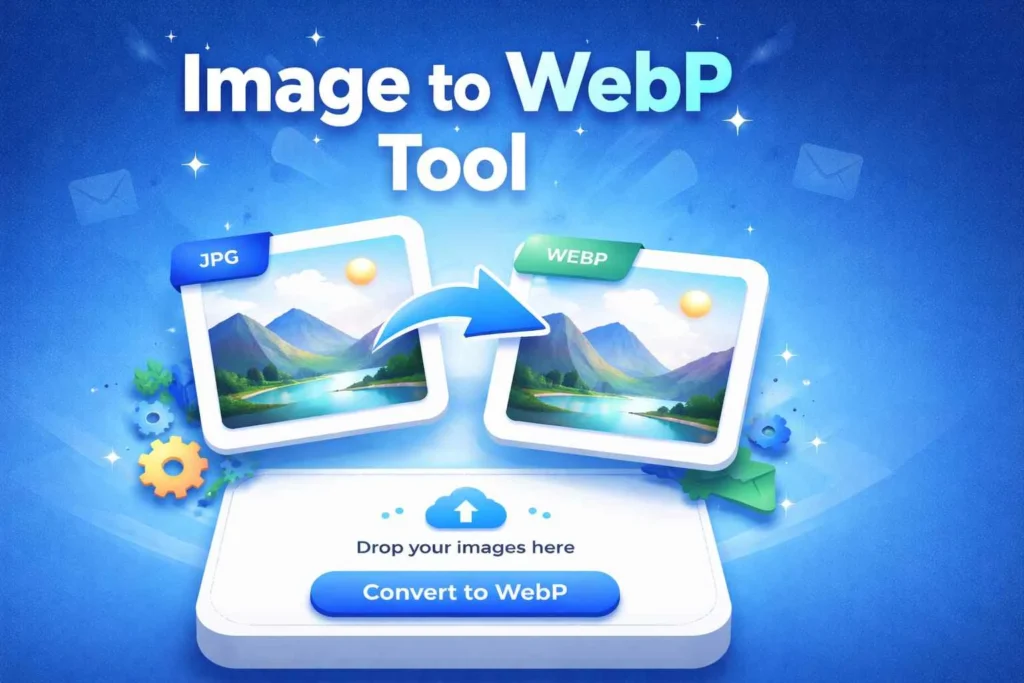
Why Image to WebP Is Searched Every Day
Modern websites depend heavily on images, but large image files are one of the main reasons websites load slowly. Slow loading not only frustrates users but also negatively affects search engine rankings. This is why image optimization has become a daily concern for website owners, developers, bloggers, and businesses.
One of the most searched solutions today is Image to WebP conversion.
The goal of WebP, a next-generation image format, is to minimize image size without sacrificing visual quality. Users are actively looking for tools that enable them to convert photos to WebP online without installing software as more browsers and platforms fully support WebP.
The Image to WebP Converter helps solve this exact problem. It allows users to upload common image formats like JPG or PNG and convert them into WebP format instantly. The result is a smaller, faster-loading image that improves website performance and user experience.
This program is designed for speed, optimization, and SEO performance, in contrast to conventional picture converters that just concentrate on format conversion. Anyone looking for better Core Web Vitals, quicker websites, and lower bandwidth use will find it perfect.
What Is an Image to WebP Converter?
An online program that converts common picture formats into WebP is called a picture to WebP converter. The image is effectively compressed throughout this procedure to minimize file size without sacrificing clarity.
This makes WebP images perfect for modern web usage.
Why Convert Images to WebP?
People convert images to WebP for clear performance benefits:
Reduce image file size
Speed up website loading
Improve mobile performance
Optimize images for SEO
Save bandwidth and storage
Improve Core Web Vitals
WebP images load faster than traditional formats, especially on mobile devices.
How the Image to WebP Tool Works
The conversion process is simple:
- Upload your image file
- The tool converts the image to WebP format
- Smart compression is applied automatically
- Download the optimized WebP image
No technical knowledge required.
WebP vs Traditional Image Formats
WebP
Smaller file size
Advanced compression
Faster page loading
Ideal for websites
JPG / PNG
Larger file size
Older compression methods
Slower loading speed
WebP is built for modern web performance.
Image Quality and Smart Compression
This tool balances:
File size reduction
Visual clarity
Color accuracy
The output image remains sharp while loading faster.
The Advantages of Using WebP Images for SEO
Search engines prioritize fast websites. Using WebP images helps:
Improve page speed
Reduce bounce rate
Enhance user experience
Support higher rankings
Image optimization is a key part of technical SEO.
Privacy and Security
Your files are safe:
No permanent storage
Automatic deletion
No login required
Secure processing
Device and Browser Compatibility
The Image to WebP converter works on:
Desktop and mobile devices
Windows, macOS, Linux
Android and iOS
All modern browsers
Who Should Use Image to WebP Conversion?
Website Owners
Optimize images for faster loading.
Developers
Use WebP for modern web projects.
Bloggers
Improve page speed and SEO.
Businesses
Reduce bandwidth and improve performance.
External References
Best Practices for Image to WebP Conversion
Use WebP for website images
Keep original images as backup
Combine with lazy loading
Test images across browsers
Frequently Asked Questions
1️⃣ What is the Image to WebP Converter used for?
The Image to WebP Converter allows users to convert JPG, PNG, or JPEG images into WebP format to achieve smaller file sizes with modern image compression.
2️⃣ Which image formats can be converted to WebP?
This tool supports converting common image formats such as JPG, JPEG, and PNG into the WebP format.
3️⃣ Can I convert multiple images to WebP at once?
Yes. You can upload multiple images and convert them together, then download all converted WebP files in a single ZIP archive.
4️⃣ Are images uploaded to a server during WebP conversion?
No. All image processing is performed locally inside your browser. Files are never uploaded, stored, or shared online.
5️⃣ Does converting images to WebP reduce visual quality?
No. The converter maintains image clarity while applying efficient compression, resulting in smaller file sizes without noticeable quality loss.
Convert Images to WebP Online Today
If you want faster websites and optimized images, the Image to WebP converter is the right choice. Upload your image, convert it instantly, and download a lightweight WebP file ready for use.