Case Converter
Convert text between different case styles instantly
Case Converter Tool • Works perfectly on all devices
Case Converter – Fix Text Capitalization Instantly for Everyone
Introduction
Are you struggling with messy text formatting, incorrect capitalization, or inconsistent letter casing? Whether you are copying content from different sources, editing documents, writing blog posts, or preparing assignments, fixing text case manually can be frustrating and time-consuming. This is a common problem faced by students, writers, professionals, and digital creators every day.
Case Converter is designed to help anyone quickly change text case without effort. With this tool, you can convert text to uppercase, lowercase, title case, sentence case, and other formats in seconds. Instead of rewriting content manually, you can fix capitalization instantly and focus on what really matters—your work.
This guide will explain how to use Case Converter, who it is for, its benefits, and why it is one of the most useful free text tools online today. If you’re looking for a free Case Converter online without signup, this tool is built exactly for you.
What is Case Converter?
Case Converter is an online text formatting tool that allows users to change the capitalization style of any text instantly. It helps users normalize, clean, and format text without editing each word manually. The tool works directly in your browser and does not require downloads, installation, or technical knowledge.
This tool is especially useful when dealing with copied text that comes in random casing or when preparing content for publishing. From academic writing to social media posts, correct capitalization improves readability and professionalism.
Key Features of Case Converter
Uppercase Conversion
Converts all letters into capital letters. Useful for headings, warnings, labels, and emphasis.
Lowercase Conversion
Transforms all letters into small letters. Ideal for cleanup, normalization, and coding tasks.
Title Case Conversion
Capitalizes the first letter of important words, perfect for article titles and headlines.
Sentence Case Conversion
Ensures the first letter of each sentence is capitalized correctly.
Instant Output
Text is converted immediately with one click.
Why Choose This Tool?
No signup required
Works on all devices
Clean and modern interface
Accurate results every time
Designed for speed and simplicity
How to Use Case Converter?
Using Case Converter is simple and intuitive, even for first-time users.
Step-by-Step Guide
Step 1 – Paste Your Text
Copy your text and paste it into the input box.
Step 2 – Choose a Case Type
Select uppercase, lowercase, title case, or sentence case.
Step 3 – Instant Conversion
Your text is converted immediately.
Step 4 – Copy the Result
Use the copy button to copy the formatted text.
Step 5 – Clear and Reuse
Clear the text box and convert new text.
Tips for Best Results
Clean text using Remove Extra Space – remove unnecessary spaces easily
Check length with Word Counter – count words and characters
Reverse formatting using Text Reverser – flip text instantly
Common Mistakes to Avoid
Using uppercase for long paragraphs
Forgetting punctuation before sentence case
Copying text with hidden formatting
Over-formatting headings
Benefits of Using Case Converter
Save Time
Convert large text blocks instantly instead of editing manually.
Accuracy
Ensures correct capitalization with zero human error.
Free and Cost-Effective
Completely free to use with no limitations.
User-Friendly
No technical skills required.
Extra Benefits
Mobile-friendly design
No installation required
Works in all modern browsers
Who Should Use Case Converter?
Anyone who works with text can benefit from Case Converter. This includes:
Students formatting assignments
Writers and bloggers
Social media managers
Office professionals
Developers cleaning text
You can also combine this tool with Find & Replace Text – edit text in bulk and Social Media Font Generator – create stylish text for a complete text workflow.
Internal Tools You Can Use Together
Improve productivity by using Case Converter with these tools:
FAQs About Case Converter
Is Case Converter free to use?
Yes, it is completely free with no signup required.
Can I use Case Converter on mobile devices?
Yes, it works perfectly on phones and tablets.
How accurate is Case Converter?
The tool provides instant and accurate results.
Does Case Converter require installation?
No installation is required.
Can I convert large text?
Yes, long text is supported.
Is my data saved?
No, text is processed locally in your browser.
Is it good for SEO writing?
Yes, it helps format titles and headings properly.
Does it support multiple cases?
Yes, multiple case styles are available.
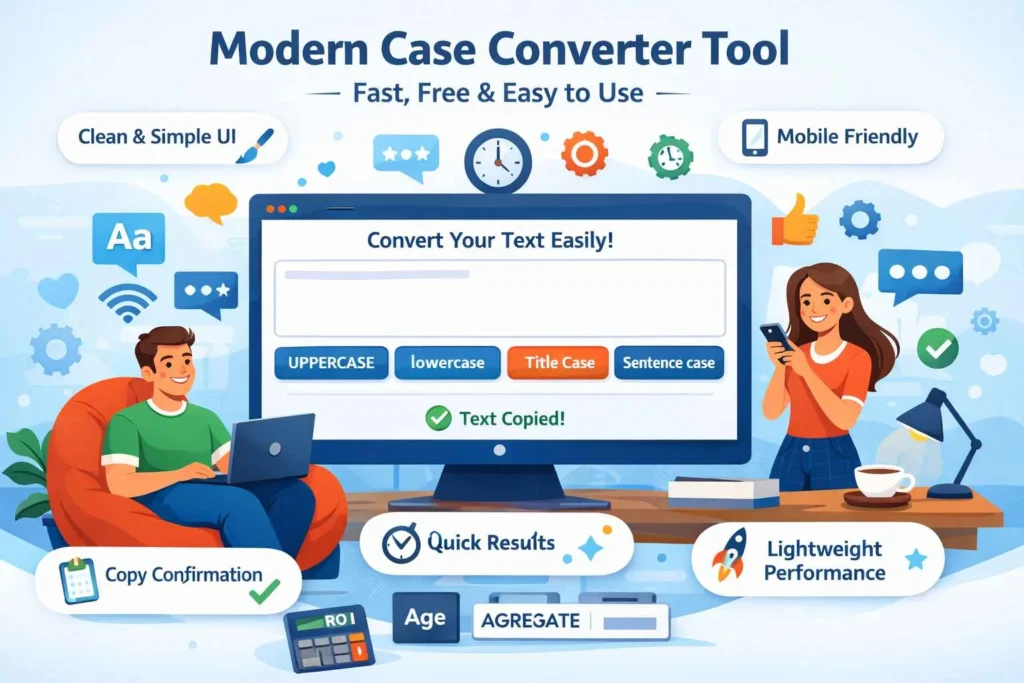
Modern 10-Level Tool Design Concept
Clean UI
Minimal colors
Fast response
Mobile optimized
Clear buttons
Accessibility friendly
Copy confirmation message
Lightweight performance
No distractions
Professional layout
Conclusion & Call-to-Action
Don’t waste time fixing capitalization manually. Case Converter helps you format text instantly, accurately, and effortlessly. Whether you’re a student, writer, or professional, this tool saves time and improves text quality.
Start using Case Converter today and experience a fast, modern, and reliable way to change text case online—completely free and without signup.